
A useful embedded prototype should prove more than whether the processor can run the workload.
It should also show how sensing, inference, user interfaces and physical control fit together.
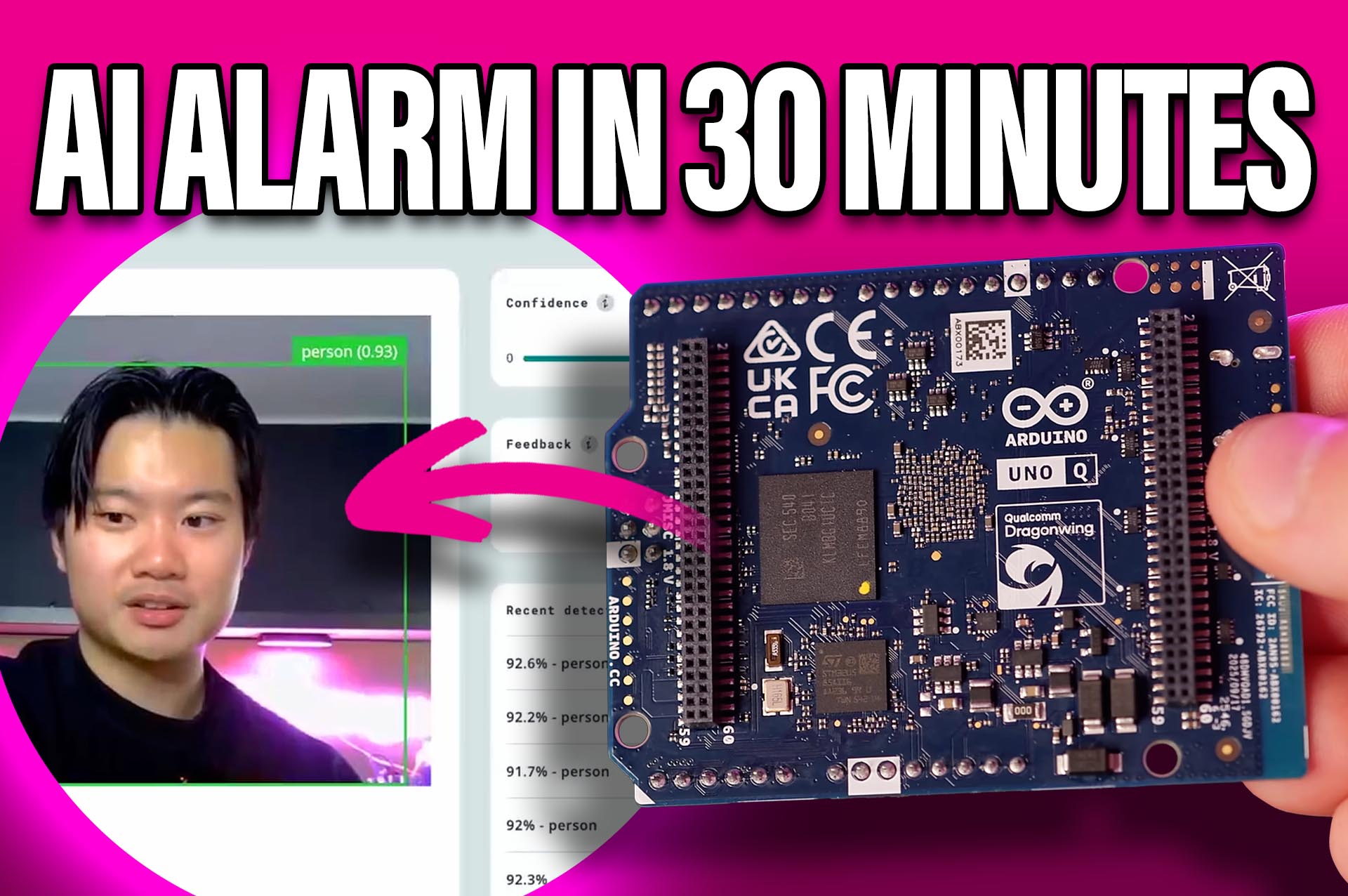
For this project, we built a simple person detection alarm on the Arduino UNO Q using a USB camera, Arduino App Lab and a Modulino Buzzer.
When a person enters the camera frame, the board detects them locally and activates the buzzer. When they leave, the buzzer stops.
The prototype took around 30 minutes to assemble and program.
Hardware setup
The build requires:
- Arduino UNO Q
- USB webcam
- Modulino Buzzer
- Qwiic cable
- USB connectivity for the camera
The Modulino Buzzer connects directly over Qwiic. Additional Modulino sensors and actuators can also be daisy-chained if the application needs to expand.
A conventional buzzer, relay or actuator could also be controlled from the microcontroller side of the board.
Start with an App Lab example
Arduino App Lab includes example applications covering common AI and embedded workflows.
Instead of starting from an empty project, the person detection alarm was built by adapting an existing example.
The application is divided between Python and an Arduino sketch.
Python runs on the Qualcomm processor and handles the web interface, camera pipeline and object detection.
The sketch runs on the STM32 microcontroller and controls the buzzer.
This keeps high-level Linux processing and real-time hardware control separate while still running them within the same application.
Connect both processors with Arduino Bridge
Communication between the Python application and Arduino sketch is handled through Arduino Bridge.
Bridge provides Remote Procedure Call communication between the Linux and microcontroller environments.
For this project, the AI application determines whether a person has been detected and passes the required state to the microcontroller. The sketch then activates or disables the buzzer.
The same structure can be used for motors, relays, indicators or other physical outputs.
Add object detection with a Brick
App Lab packages common functions into reusable components called Bricks.
The project uses the Video Object Detection Brick.
Arduino’s current model catalogue includes a general-purpose YOLOX-Nano detector trained on the COCO dataset. It supports 80 object classes, including people, so no custom model training was required for this demonstration.
The Brick handles much of the camera and inference pipeline and exposes functions that the main Python application can call.
This removes a significant amount of setup code from the project.
Change models without rebuilding the application
App Lab also separates the model from much of the surrounding application logic.
A compatible model can be selected from the App Lab catalogue, while custom models can be brought in through Edge Impulse.
That makes it possible to retain the web interface and control architecture while changing what the system detects.
A person detector could become a product detector, machine-state monitor or custom inspection system without rebuilding every part of the application.
Reuse the control layer
The same principle applies to the physical output.
This prototype activates a buzzer, but the output could later become a relay, motor or industrial indicator.
In that case, most of the Linux-side application remains unchanged. The primary modification happens in the Arduino sketch responsible for the hardware.
This separation makes the prototype easier to extend and maintain.
From quick prototype to product architecture
The person detection alarm is deliberately simple, but it exercises the main elements of a deployable edge application:
- Local AI inference
- Camera input
- Browser-based monitoring
- Linux application logic
- Deterministic microcontroller control
- Physical output
- Modular software components
That is useful when evaluating an SBC for a new design.
Raw processor performance tells you whether a workload may fit. The development environment determines how quickly engineers can turn that capability into a working system.
For this project, Arduino App Lab, Bricks and Bridge provided a short route from an existing example to a functioning AI-controlled hardware application.
The next step is straightforward: replace the demo camera logic and buzzer with the sensing and control requirements of the real product.
If you’d like to win an UNO Q for yourself, register here: https://form.jotform.com/262436259891367
Comments are closed.
Comments
No comments yet