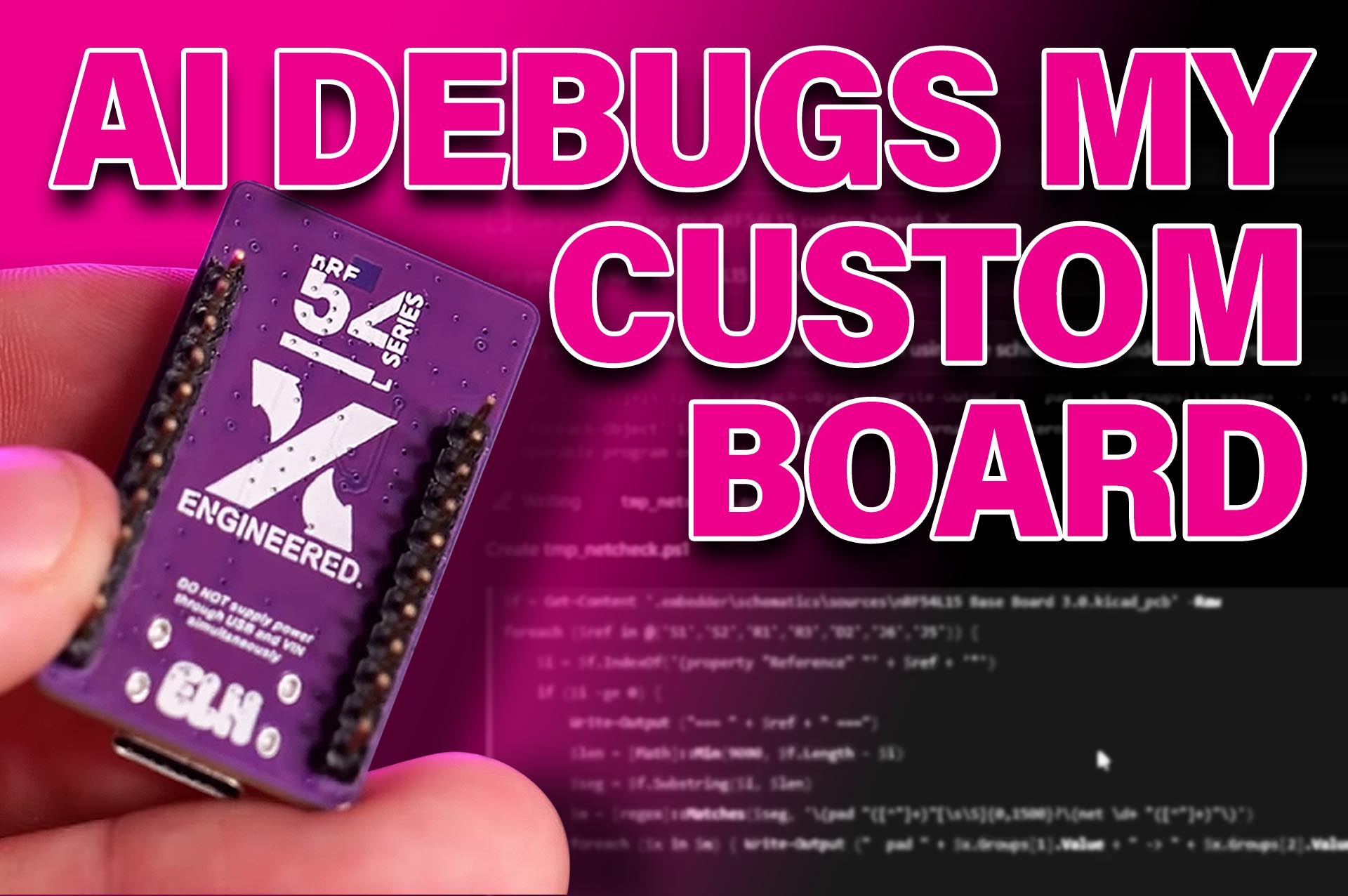

Building a custom printed circuit board (PCB) can be one of the most frustrating stages of embedded development.
From configuring software development kits (SDKs) and setting up firmware environments to debugging hardware-specific issues, getting a new board up and running can take days of troubleshooting before engineers can even begin testing their applications.
But what if an AI engineering assistant could take care of much of that work?
We recently put Embedder’s Agentic AI to the test to see whether it could accelerate the process of building a custom PCB built around Nordic Semiconductor’s nRF54L15.
And rather than using a well-documented development kit, we gave it something considerably more challenging.
Putting AI to work on unfamiliar hardware
Earlier this year, we tested Embedder using the Arduino UNO Q, where it successfully flashed the board.
But what about something more foreign?
Our test platform was a custom nRF54L15 board, with only 20 units ever manufactured. This will be the ultimate challenge to see whether Embedder can build and flash software on hardware it has never seen before.
Using Embedder’s extension for Visual Studio Code (VS Code), we created a new project and provided the AI assistant with the board’s KiCad design files and schematics.
The assistant was able to automate much of the initial process, including downloading the necessary SDKs, configuring the development environment and generating custom board definitions.
However, getting the firmware to run on the physical hardware presented a more complicated challenge.
Debugging a custom hardware configuration
The difficulty came from the board’s oscillator configuration.
In order to obtain more GPIO pins, we switched the high-frequency clock to the position of the low-frequency clock and used the internal oscillator or the low-frequency clock. This is different to the design in the Nordic nRF54L15 dev-board.
Embedder, noticing this abnormality, began investigating the problem by analysing the development environment, checking debugging tools such as J-Link and examining the relevant software configuration files.
When these initial attempts failed, Sandro directed the AI assistant to compare the custom schematics against Nordic’s reference design.
Embedder identified differences in the oscillator arrangement and began exploring potential solutions.
Through several rounds of testing, debugging and human intervention, the assistant was able to identify conditions under which the board could be flashed successfully.
From intermittent flashing to a working board
Although Embedder made significant progress, getting the board to flash reliably still required further troubleshooting.
Sandro provided the assistant with an older firmware configuration that had previously worked with the hardware, allowing it to investigate how the software stack and clock definitions had changed.
The AI assistant then iteratively modified the configuration, attempted to flash the board and analysed the resulting errors.
Eventually, the team achieved a repeatable flashing process without needing to disconnect the hardware or manually reset the board.
To verify the result, Sandro repeatedly switched between two firmware applications controlling the onboard LED, each using a different blinking frequency.
Both applications could be flashed successfully, demonstrating that the board could now be programmed consistently.
Can AI accelerate embedded development
Perhaps the most interesting outcome of this experiment was not simply that Embedder helped us build the board, but how it approached its troubleshooting process.
Rather than generating code and leaving the engineer to troubleshoot it, the AI agent actively investigated errors and examined hardware documentation.
For embedded engineering teams, this could mean spending less time troubleshooting firmware configurations and more time developing, testing and optimising their applications.
Watch our full hands-on video with Sandro Mark to see how Embedder’s Agentic AI performed when challenged with bringing up a custom Nordic nRF54L15 board.
Comments are closed.
Comments
No comments yet