
Products
Solutions
Published
19 October 2026
Written by Jake Morris
Connect with Jake Morris on LinkedIn
Comparing single-board computers by processor benchmark is useful, but it only answers one part of the hardware selection problem.
An edge AI or embedded Linux application also has requirements around memory, storage, power, connectivity, peripherals and software. Miss one of those constraints and a faster processor will not fix the design.
In this video, we use the Arduino UNO Q as a worked example and look at the factors that should shape an SBC selection.
Start with the workload
The first question is what the board actually needs to run.
A general Linux application has different requirements from machine vision, local AI inference or deterministic machine control.
Processor architecture and benchmark performance matter, but only after the application requirements are clear.
For the UNO Q, the main application processor is a Qualcomm Dragonwing QRB2210 with four Arm Cortex-A53 cores. It runs Debian Linux and provides the compute environment for higher-level applications.
That makes it relevant to lightweight Linux, multimedia and edge inference workloads.
Size memory and storage correctly
RAM affects how comfortably the operating system, application and AI models can run simultaneously.
Storage has a separate role. It needs to accommodate the operating system, software dependencies, model files and any locally captured data.
The UNO Q is available in two configurations:
- 2 GB RAM with 16 GB eMMC
- 4 GB RAM with 32 GB eMMC
For heavier standalone applications or local AI inference, the additional memory gives the system more headroom.
The important point is to size both parameters against the real application rather than treating them as secondary specifications.
Consider how the system will be powered
Development and deployment often create different power requirements.
On the bench, an SBC may remain connected to a host computer over USB. In the field, it may need to operate independently from an existing power rail.
UNO Q supports USB-C power as well as external DC input through its board connections. That gives developers options for both tethered development and standalone deployment.
Power architecture should be considered early, particularly when a board will eventually sit inside industrial equipment, kiosks or autonomous systems.
Check every interface before choosing the board
Interfaces are highly application-specific.
A machine vision system may need camera connectivity. A human-machine interface may need display support. Industrial applications may require CAN, serial buses or external sensors.
The UNO Q provides Wi-Fi 5 and Bluetooth 5.1 alongside traditional Arduino headers and Qwiic expansion. Additional high-speed connectors expose interfaces for cameras, displays and other peripherals.
USB peripherals can also be connected through a powered hub, which makes standard webcams and similar devices practical during prototyping.
Before selecting any SBC, build a list of every interface the final system requires and confirm the hardware supports them.
Software support can change the architecture
Hardware specifications do not show how much engineering effort a board will require.
A conventional Linux SBC handles networking, user interfaces, data processing and AI workloads well, but Linux is not designed to provide deterministic timing for every control task.
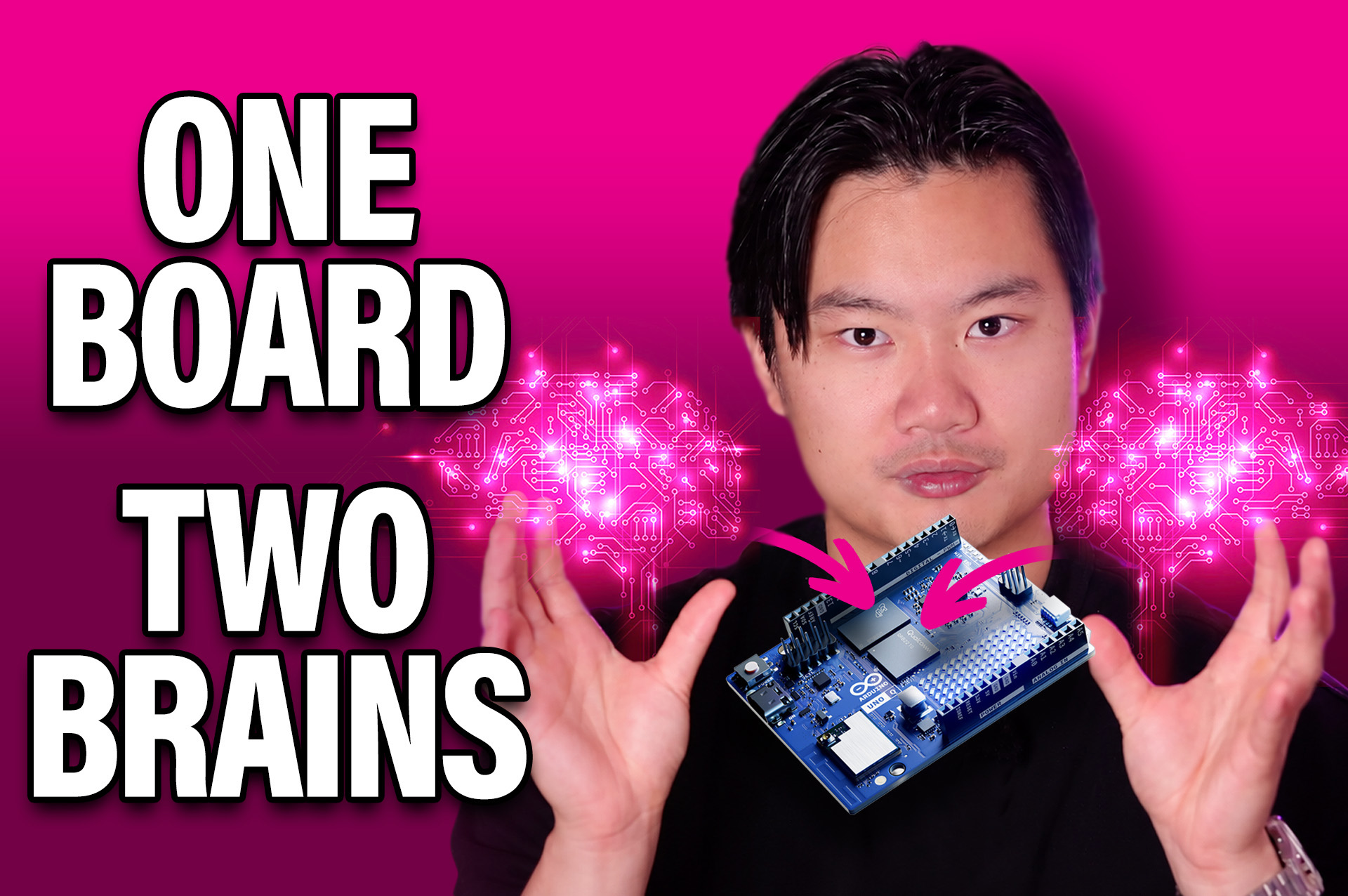
UNO Q addresses this with a second processor. An STM32U585 microcontroller runs alongside the Qualcomm processor and handles real-time operations.
Arduino App Lab supports applications containing both Python code on the Linux side and a conventional Arduino sketch on the microcontroller.
Arduino Bridge provides Remote Procedure Call communication between them.
For an application that needs Linux processing and deterministic control, this can remove the need to introduce a separate controller board.
Test the architecture with a real application
The video demonstrates this with a visual inspection system.
A webcam supplies images to a local anomaly detection application. The Linux side handles the user interface and AI inference. When a persistent anomaly is detected, the microcontroller side updates the onboard LED matrix.
The complete application runs locally on one UNO Q.
That example exercises several board-selection requirements at once: camera input, local inference, Linux software, networking and real-time output control.
A representative prototype like this is far more useful than evaluating processor benchmarks in isolation.
Choose for the application
The best SBC is the one that satisfies the complete system requirement with enough performance margin to remain practical.
For a lightweight edge AI, machine vision or embedded Linux application, that may mean prioritising the correct memory capacity, interfaces and software workflow over maximum compute.
If the workload needs substantially more AI acceleration, memory or industrial I/O, the correct answer may be a larger platform. Arduino’s VENTUNO Q, for example, targets higher-performance AI, robotics and actuation workloads with significantly more compute and expansion capability.
The selection process remains the same.
Define the workload. Calculate the memory and storage requirements. Map the interfaces. Understand the power architecture. Evaluate the software stack. Then decide how much processing performance the application actually needs.
Comments are closed.
Comments
No comments yet