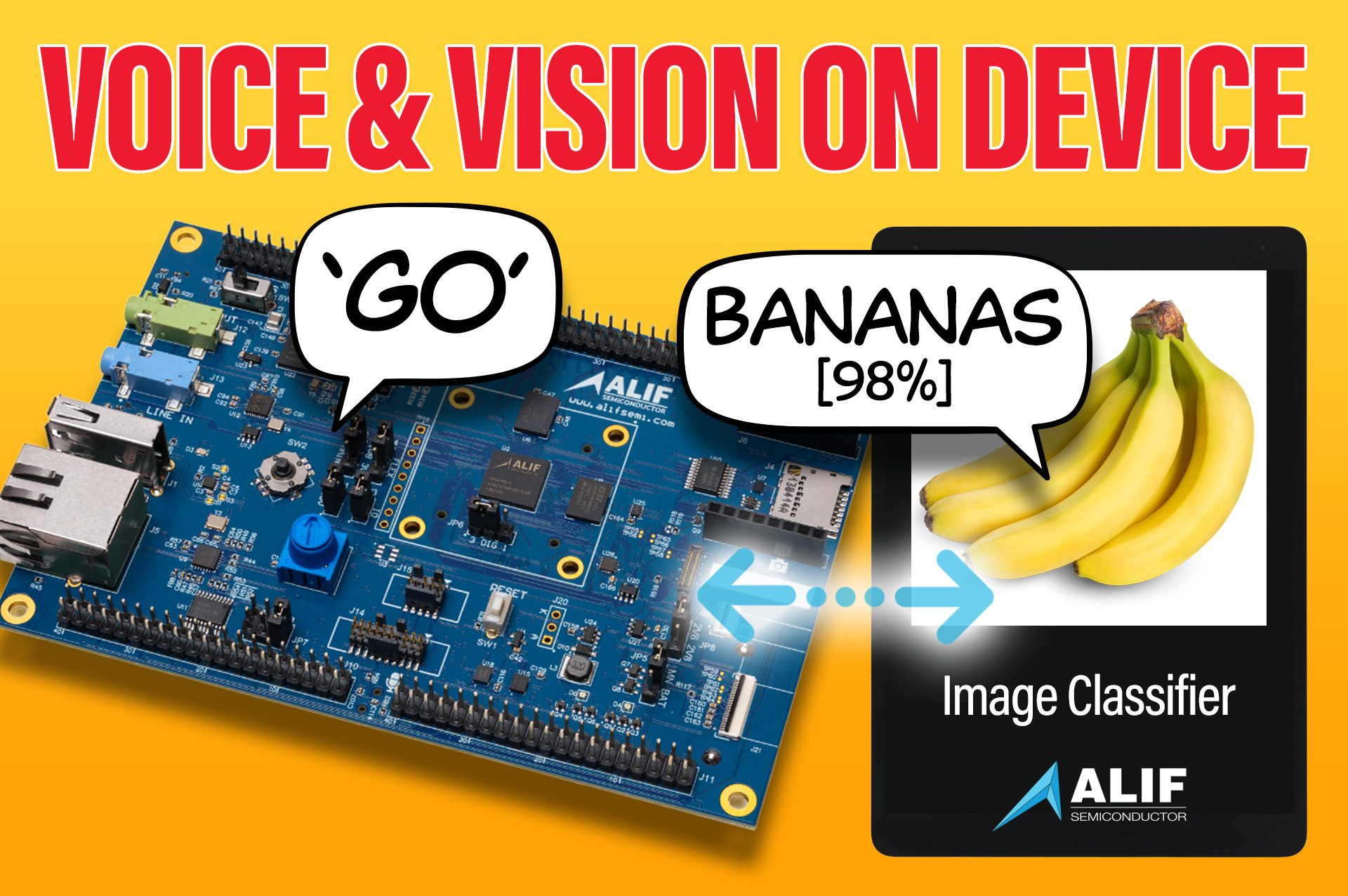

If you are evaluating the Alif Ensemble E8 Dev Kit, one of the best first steps is getting a real application running on the board. In our latest tutorial, we show how to do that using a dual AI demo that combines image classification with keyword spotting.
The demo uses a live camera feed to identify what the board is seeing. Voice commands, “go” and “stop”, are then used to enable or disable that image classification.
This article covers the main setup steps from the full tutorial so design engineers can see what is involved:
- Install Alif Security Toolkit
- Install Git and required dependencies
- Install Arm GNU GCC 12.3
- Clone the ML embedded evaluation kit repository
- Update submodules and download AI resources
- Build the keyword spotting binary
- Build the image classification binary
- Copy binaries into the Security Toolkit images folder
- Create the JSON config file
- Connect the board via the program USB-C port
- Check switch positions for SE tools / UART
- Update onboard firmware if needed
- Generate the application package
- Flash the package to MRAM
- Connect the display and test “go” / “stop” voice control
What the demo does
The application runs two models at the same time.
The first is a keyword spotting model. The second is an image classification model. In the tutorial, the keyword spotting model runs on the high efficiency Cortex-M55 core, while the image classification model runs on the high performance core.
That matters because it shows how the E8 can split workloads across cores rather than forcing everything through one processing path.
Development environment
The tutorial uses Ubuntu 22.04. The first step is downloading the Alif Security Toolkit, which is used to flash firmware and manage the board.
The E8 support page also includes useful design resources, including the quick start guide, bill of materials, schematics, and application notes.
Git is then installed so the required repositories can be cloned, and the remaining dependencies are taken from Alif’s public documentation for its machine learning examples.
Toolchain setup
A key part of the process is installing the correct compiler. In this case, the tutorial uses the Arm GNU GCC compiler, specifically version 12.3. This avoids the need for an Armclang licence while still supporting the build flow.
Once that is installed, the machine learning environment is prepared by cloning Alif’s ML embedded evaluation kit repository, updating submodules, and downloading the required AI resources.
Building the binaries
The tutorial then builds both parts of the demo.
First, the keyword spotting application is compiled for the high efficiency core. Then the image classification application is built for the high performance side. A few changes are needed compared with the default repository setup, including switching references to the DevKit E8 and using the bare metal GCC configuration.
After that, both binaries are ready to package.
Flashing the board
Before flashing, the binaries are placed into the correct Security Toolkit directory and referenced in a JSON configuration file. This tells the toolkit how to package and place the applications in onboard MRAM.
There are also a few hardware checks. The board should be connected through the program USB-C port, and the onboard switches need to be set correctly for serial communication.
With that done, the Security Toolkit is used to update firmware, generate the application package, and write it to memory.
Testing the application
Once flashed, the board is connected to an external display. The live camera feed appears first. Saying “go” starts image classification, and saying “stop” disables it again.
This gives you a working local AI example running directly on the Alif Ensemble E8 Dev Kit.
What’s Next?
Alif’s platform supports far more than blinking lights. Once you’re set up, you can dive into edge AI workloads, audio processing, and low-power sensing projects. Check out our full video and post your own projects to our community page – you’ll be in good company with over 100,000 engineers.
📌 Interested in evaluating them? Click here and apply to begin evaluating.
Comments are closed.
Comments
No comments yet